Web administration
Manage your server effortlessly from your web browser. With the intuitive web interface, you can handle user accounts, review logs, and configure security settings.
For advanced features and fine-tuned configuration, command-line access and direct editing of the config file give you full control.
Online demo
Test the Buru SFTP Server web administration yourself.
Address: https://sftp-demo.rebex.net/
Username: demo
Password: demo
Try online demo
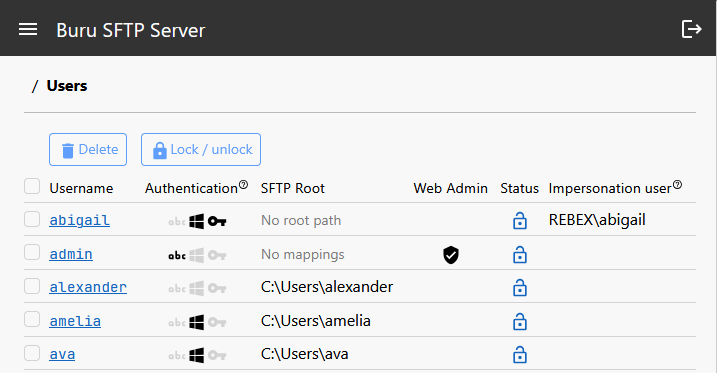
User management
- Add or remove users
- Lock and unlock
- Enable specific protocols
- Impersonation
- Password management
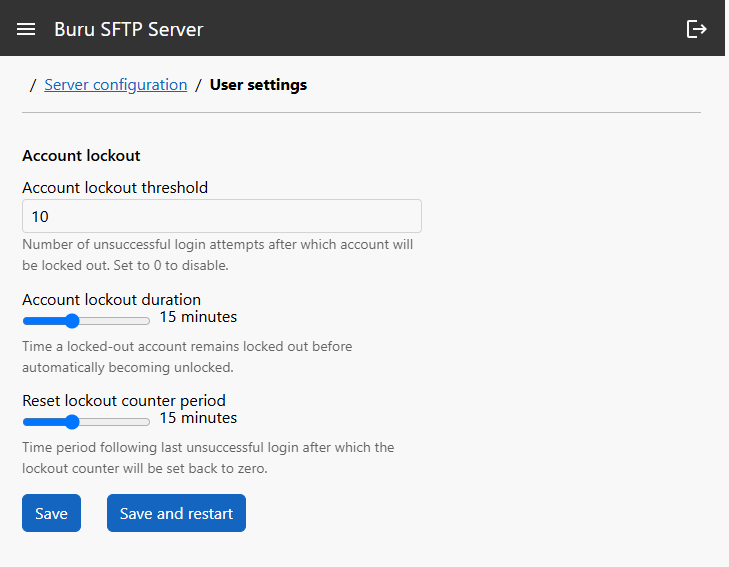
- Account lockout
Configuration editor
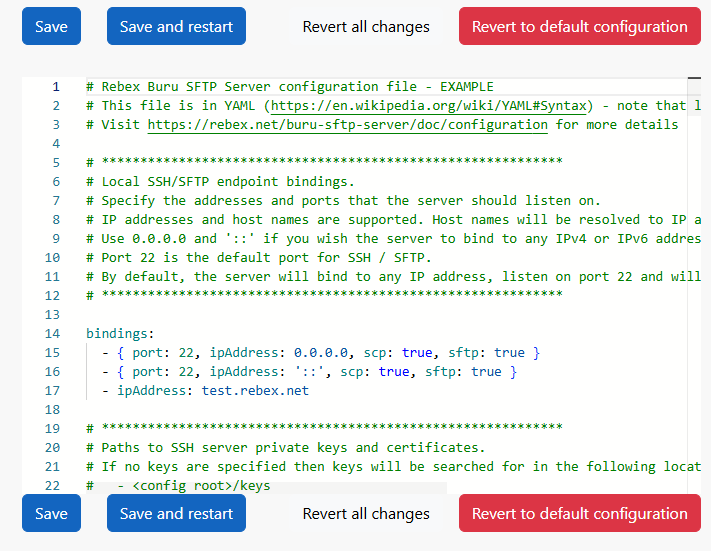
Server settings are stored in a human-readable configuration file. You can view and edit it online using the built-in online editor with syntax highlighting.
Protocol configuration
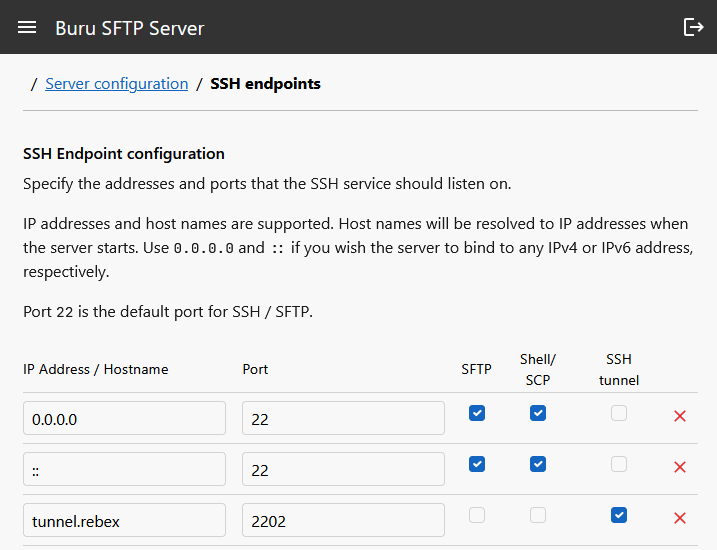
SSH / SFTP
- endpoints
- algorithms and security levels
- SSH keys
- timeouts
- SSH banner
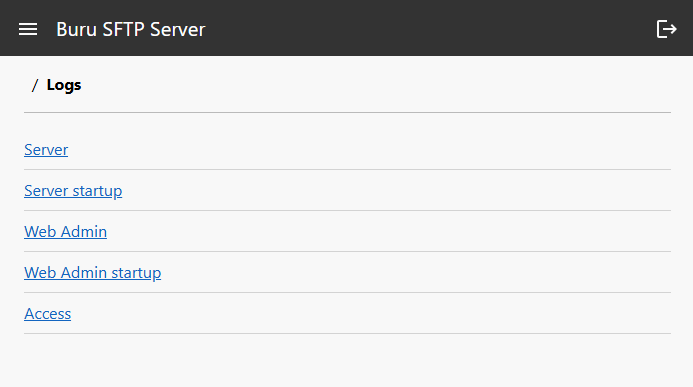
Logging
- Access logs
- Server logs
- Web admin logs
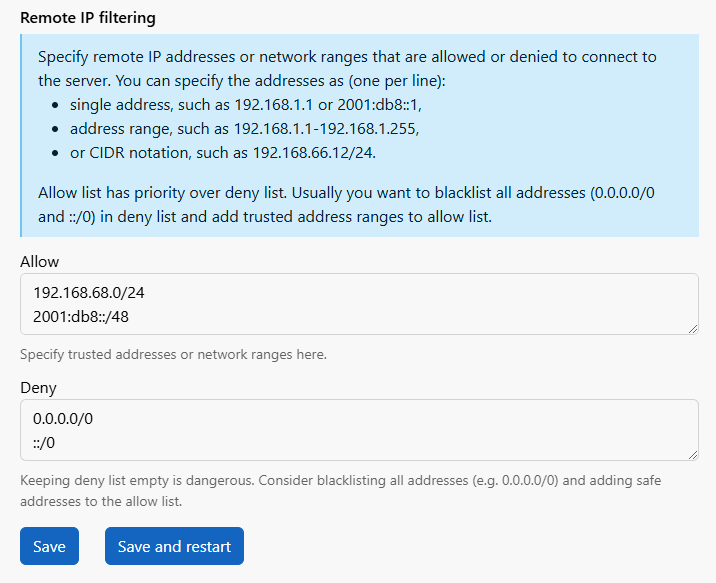
IP filtering
Allow or deny:
- single address, such as 192.168.1.1 or 2001:db8::1
- address range, such as 192.168.1.1-192.168.1.255
- or CIDR notation, such as 192.168.66.12/24
User security settings
Here, you can define how many times a user can enter an incorrect password before their account gets locked. You can also choose whether the lock is permanent or if the account unlocks automatically after a set period.